
Magento is an open-source eCommerce solution. It may manage vast amounts of products, catalogs, orders, and payment data which can be accessed by REST a...
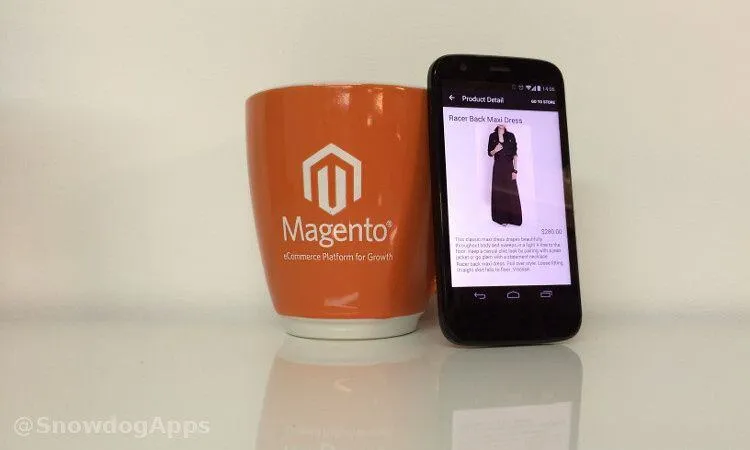
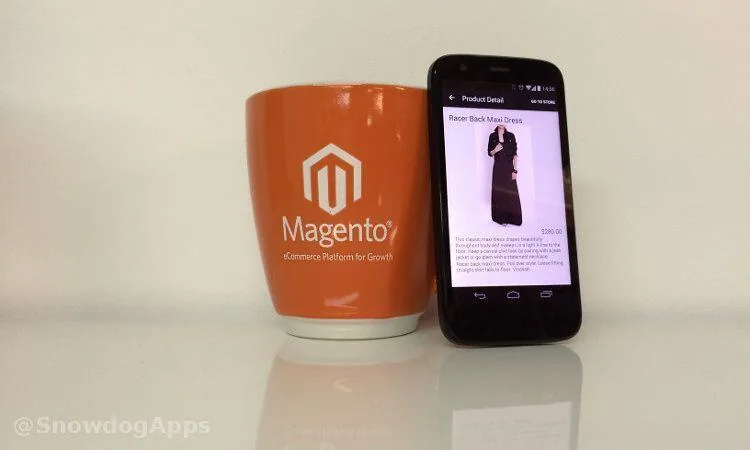
Magento is an open-source eCommerce solution. It may manage vast amounts of products, catalogs, orders and payment data which can be accessed by REST and SOAP APIs. Unfortunately REST API has limited access to this data and allows only download some of it. If full CRUD actions are needed it’s necessary to use SOAP API with XML format. That’s the day when you have to leave your comfort zone of REST & JSON and enter unfriendly waters.
Quick search lets you find ksoap2 (opens in a new tab) library which allows you communicate with such API. There is an example of login to Magento by using ksoap2.
private static final String MAGENTO_NAMESPACE = "urn:Magento";
private static final String MAGENTO_URL = "http://example.magento.url.com/api/v2_soap/";
private static final String MAGENTO_METHOD_NAME = "login";

public static void getLogin(String username, String apiKey) {
        //Create request
        SoapObject request = new SoapObject(MAGENTO_NAMESPACE, MAGENTO_METHOD_NAME);
        //Property which holds input parameters
        request.addProperty("username", username);
        request.addProperty("apiKey", apiKey);

        //Create envelope
        SoapSerializationEnvelope envelope = new SoapSerializationEnvelope(SoapEnvelope.VER11);

        envelope.dotNet = false;
        envelope.xsd = SoapSerializationEnvelope.XSD;
        envelope.enc = SoapSerializationEnvelope.ENC;
        //Set output SOAP object
        envelope.setOutputSoapObject(request);
        //Create HTTP call object
        HttpTransportSE androidHttpTransport = new HttpTransportSE(MAGENTO_URL);
        androidHttpTransport.debug = true;
        try {
            //Invole web service (synchronous)
            androidHttpTransport.call("", envelope);
            //Get the response
            loginResponse = envelope.getResponse().toString();
        } catch (Exception e) {
            //it's nasty to catch Exception. Catch some specific like IOException
            e.printStackTrace();
        }
    }
It’s pretty simple to get session id from server but whole code looks a bit old-fashioned (manually input parameters, catching connection exceptions, no built-in (de)serialization of complex objects). There is also next disadvantage – only synchronous API calls, so developer have to write some code to move it to the LoaderManager, Asynctask, Service or other, finally handle callbacks, and probably more NullPointerExceptions. Last but not least is necessity to learn new library when developers already are familiar with libs like Retrofit (opens in a new tab). In next posts I will show you how to access SOAP & XML API using Retrofit and SimpleXml (opens in a new tab).
These posts are being created because there is little information about how to connect Android to Soap API. The most useful source was this post on geekcalledk blog (opens in a new tab) which shortly describes whole thing and in my opinion it’s worth to explore deeply this topic.
The eCommerce agency behind 100+ high-stakes projects, ready to build yours.